Our IT Asset Disposition Process
Every eWaste Go job follows the same four steps, from the first inventory walkthrough to the documentation that closes it out, whether it's one office closet or a full data center.
Certified
Certified
Four Steps. Every Job.
Spotting
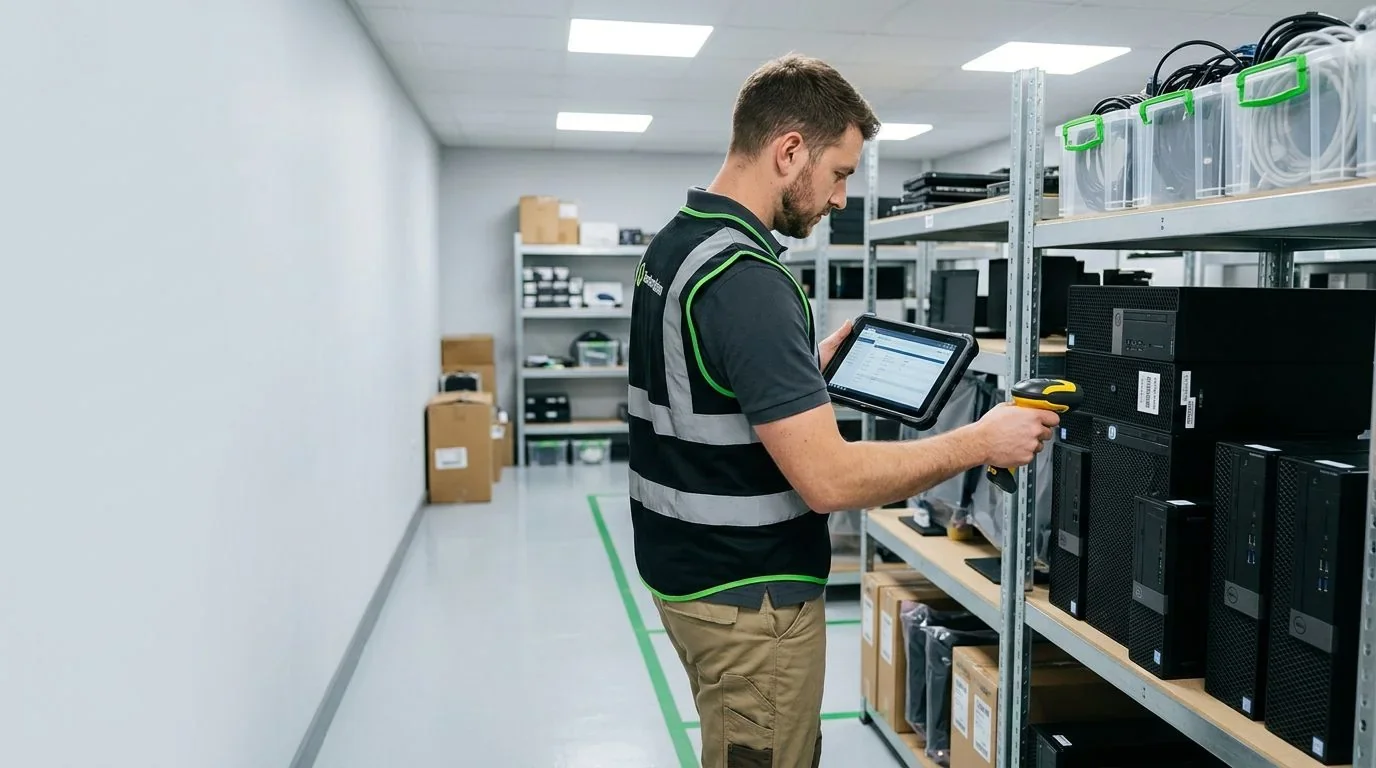
An inventory walkthrough with asset mapping and network discovery identifies what’s obsolete versus what’s still in active use.
Logistics
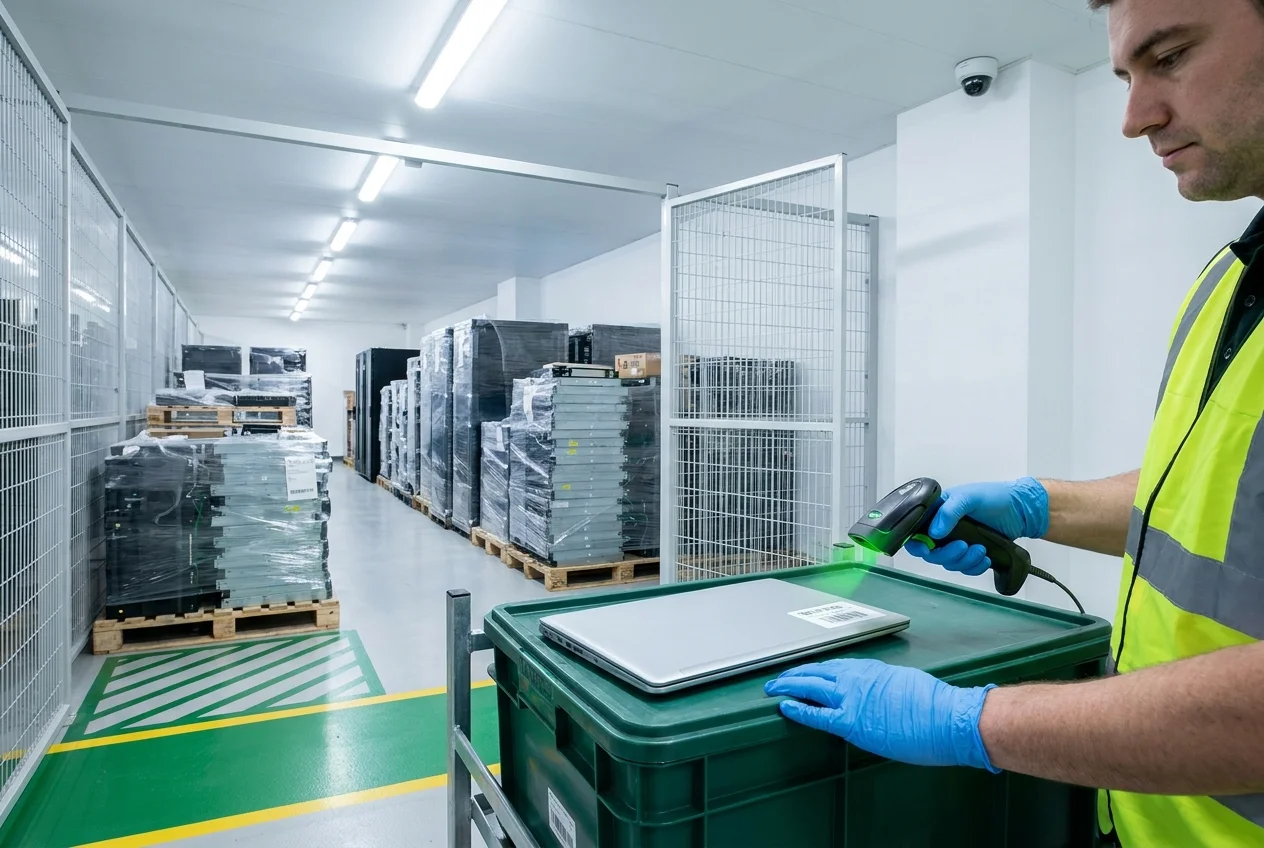
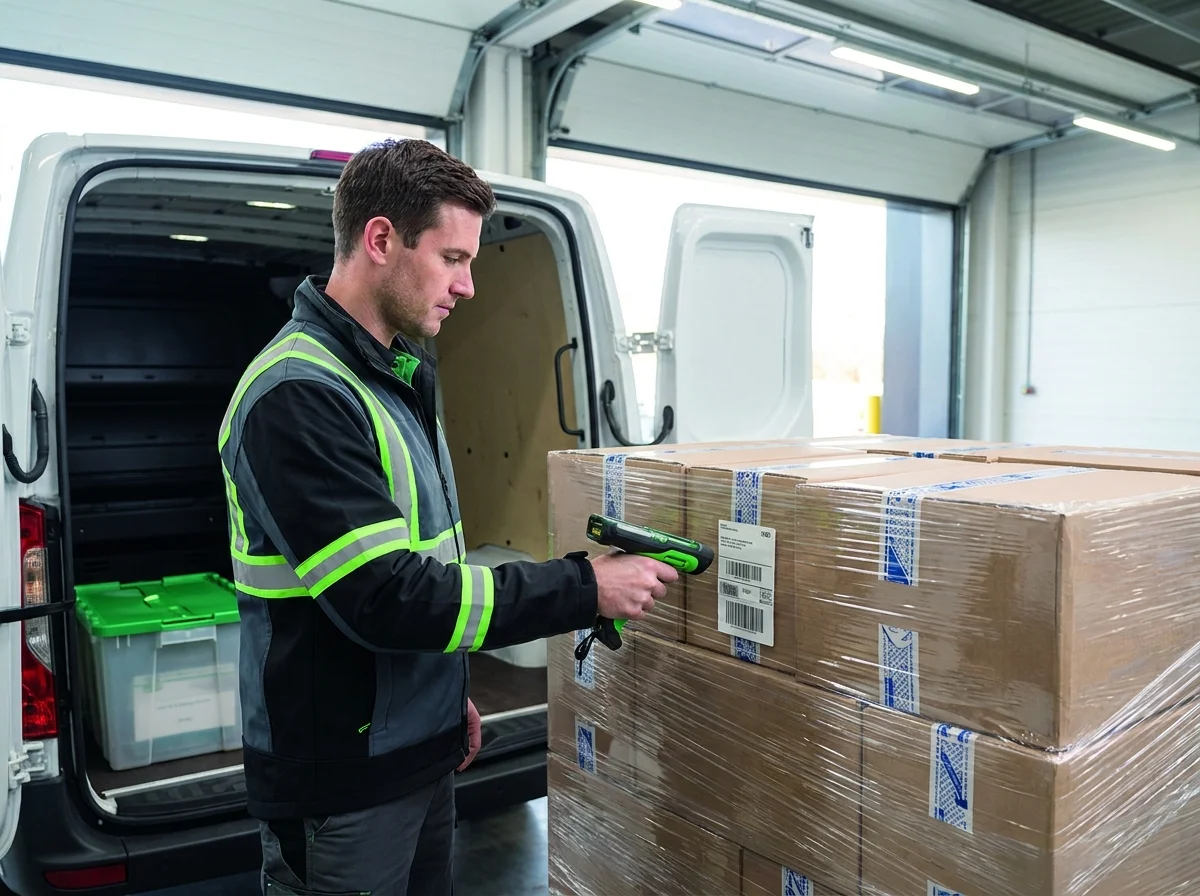
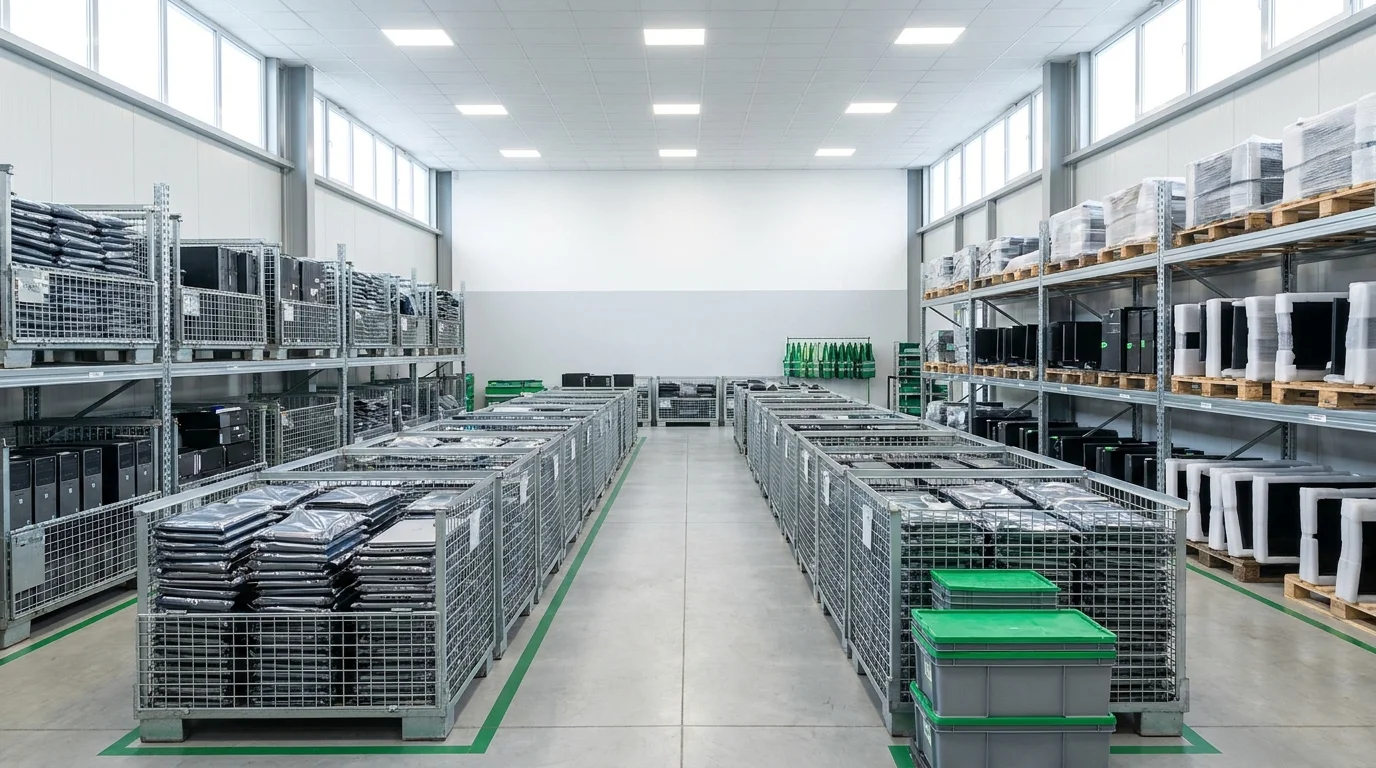
GPS-tracked transportation and QR-code asset labels keep a documented chain of custody from your dock to ours.
Execution
Data destruction, sanitization, recycling, and refurbishing happen under R2v3 and ISO-audited controls.
Certification
Documentation, including any certificate of destruction, is provided within 24 hours of the service.
Inspect Everything, Retire Only What Is Ready
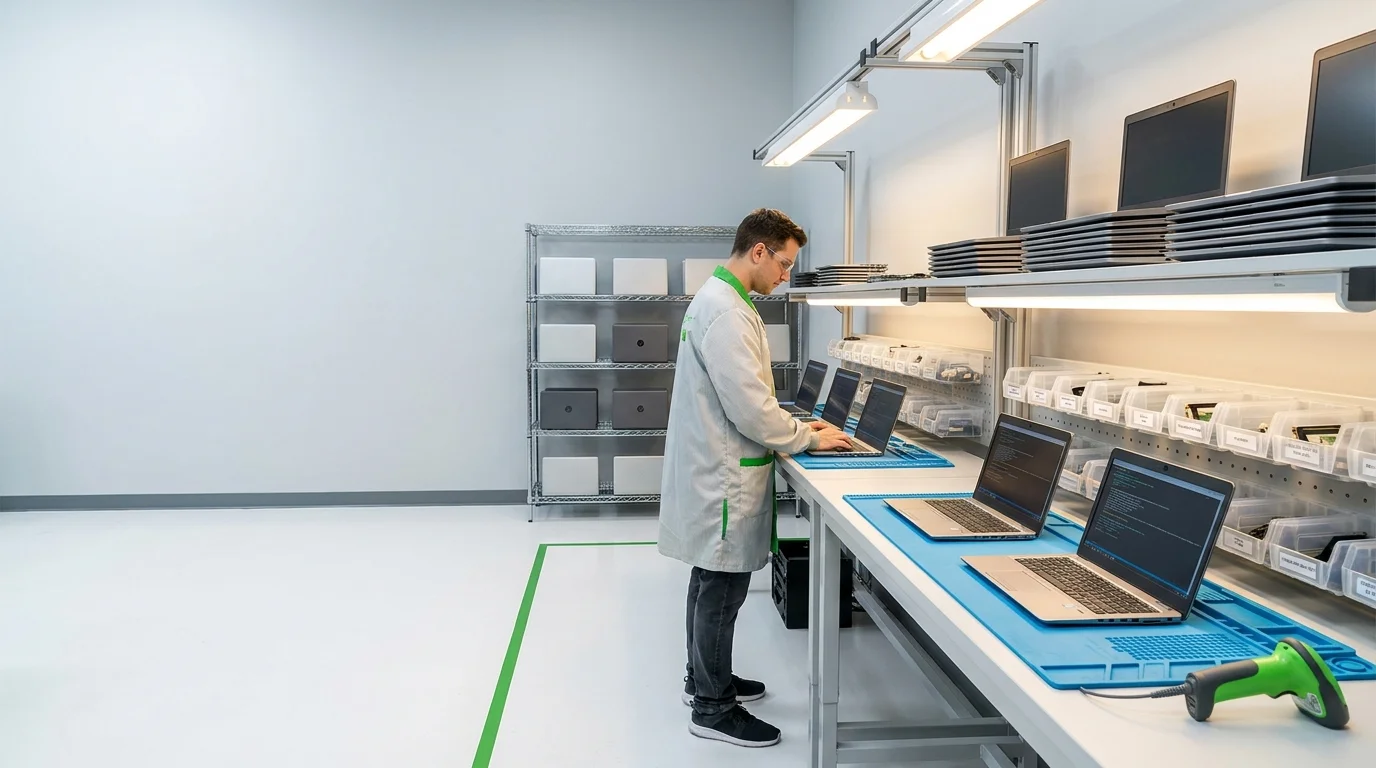
Every eWaste Go ITAD job starts with an inventory walkthrough. Asset mapping and network discovery tools separate the devices that are truly at end of life from the ones still logged into the network, so a machine that's in active use never ends up on the pickup list by mistake.
The walkthrough produces the inventory the rest of the process runs on. You don't need a finished spreadsheet before the first call, because building that list is part of the job, and the team explains each step before anything leaves the building.
On-Site or Off-Site, Tracked the Whole Way
Some organizations want their drives destroyed before the equipment leaves, and on-site data destruction makes that possible. Everything else travels in GPS-tracked transportation, with QR-code asset labels that let both the customer and the receiving facility follow each device from the dock to processing.
Drivers are trained on the security precautions that data-bearing equipment calls for, and liftgate, dock-high, and box-truck options cover sites with different loading setups. Careful loading matters for more than safety, since a cracked chassis can turn an easy resale into scrap.
Data First, Then Recycling or Refurbishment
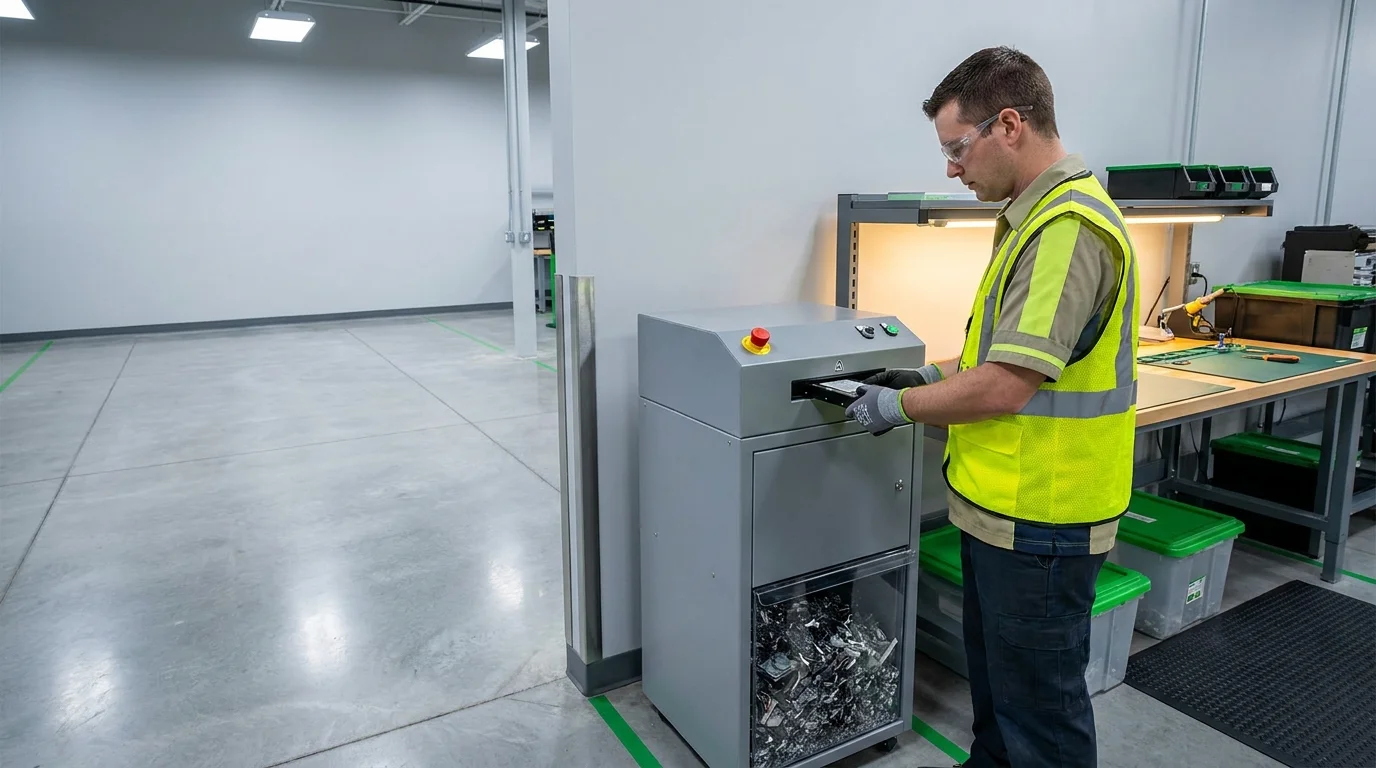
Data destruction comes before anything else. Each data-bearing device goes through physical destruction, degaussing, or software-based overwriting, matched to the media and to what happens to the device next. A drive headed for resale gets a verified wipe, and a drive with no resale value is destroyed outright.
Working equipment is then graded, refurbished, and remarketed, with a share of the recovery proceeds returned to the organization that retired it. Equipment at the end of its life is recycled through certified downstream partners under a zero-landfill policy. Healthcare and telecommunications equipment gets extra precautions because of how sensitive its data tends to be.
Documentation Within 24 Hours
The job closes with paperwork an auditor can use. Depending on the work, that includes a certificate of destruction for every data-bearing device, a serial-level reconciliation against the original inventory, and a settlement-ready report covering any recovered value.
Documentation is provided within 24 hours of the service. Because the process runs under R2v3 and ISO certification, an outside auditor checks it against a published standard, which is the detail a compliance review depends on.
Questions About the ITAD Process
What are the steps in the ITAD process?
There are four: an inventory walkthrough to identify retired equipment, tracked logistics or on-site data destruction, data destruction followed by recycling or refurbishment, and documentation that closes out the job within 24 hours.
Do I need an inventory before I call?
No. Building the inventory is part of the first step. If you already have an asset list, it speeds things up, and it gets reconciled against what's collected.
Can data destruction happen at our location?
Yes. On-site data destruction is available for organizations that want drives destroyed before equipment leaves the building. Off-site processing is also available, with GPS-tracked transportation.
What documentation will we receive?
Depending on the job, you get a certificate of destruction for data-bearing devices, a serial-level reconciliation, and a settlement-ready report on any recovered value, all within 24 hours of the service.
Ready to Start With a Walkthrough?
Schedule an inventory walkthrough or a business pickup, backed by R2v3 and ISO certification.
Get a QuoteOr call (888) 899-8896
Certified
Certified